Features
Every Lords Mobile automation, and the part that keeps them running
The automation list below is table stakes — most tools have some version of it. What decides whether a fleet actually earns is the recovery behaviour underneath, so that gets equal billing here.
The part nobody advertises
Running a bot is easy. Keeping one running is the actual job.
Every tool in this category will sell you a list of forty automations. None of them will tell you how their software behaves at 3am on the day after a game update — which is the only thing that decides whether your fleet earns anything.
01
It stops and nobody tells you
An account trips on a changed screen and quietly retries the same failed tap for two days. You find out when the resources don't arrive.
02
New accounts never leave the tutorial
You add ten fresh farms. A week later they're all still castle level 1, and none of the automation you paid for has anything to work with.
03
One account at a time
Twenty accounts means twenty windows, twenty settings files, and no way to see what the whole operation is actually producing.
Automation
What Apex runs while you're not looking
Table stakes, listed honestly. Everything below works today — nothing here is on a roadmap.
Resources
- Auto gather by resource type and tile level
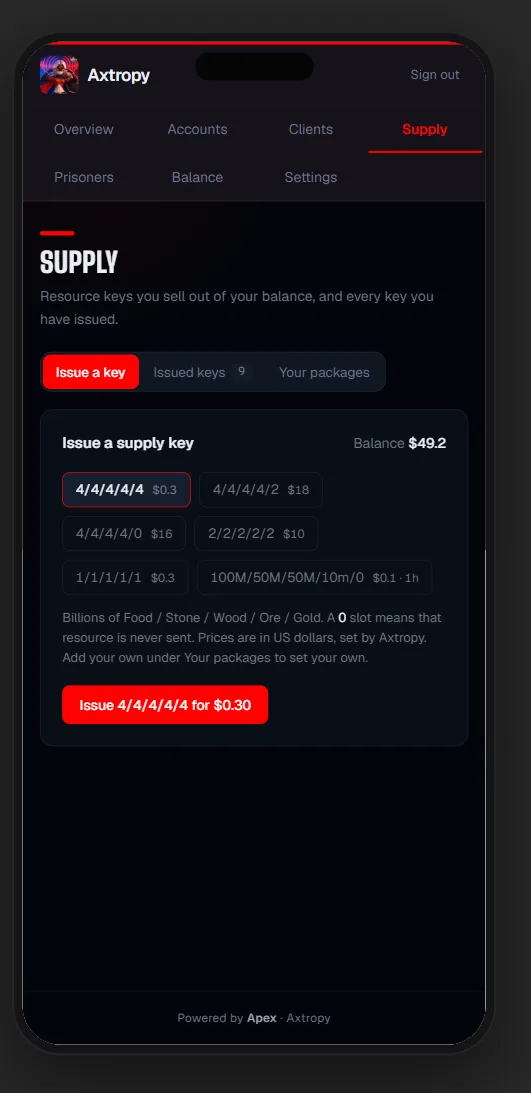
- Auto-supply spare resources to your guild bank
- Cargo ship runs
- Treasure trove and VIP chest collection
Growth
- Building queue and upgrades
- Research queue
- Troop training and healing
- Turf, admin and guild quests
Combat
- Monster hunting by level and energy floor
- Auto-join wonder, player-castle and monster rallies, or fill on a !fill command
- Reinforce players, forts and wonders automatically
- Counter incoming rallies with a formation and gear swap
- Anti-scout, shelter, and a shield when attacked or rallied
- Hero stages and Colosseum
Operations
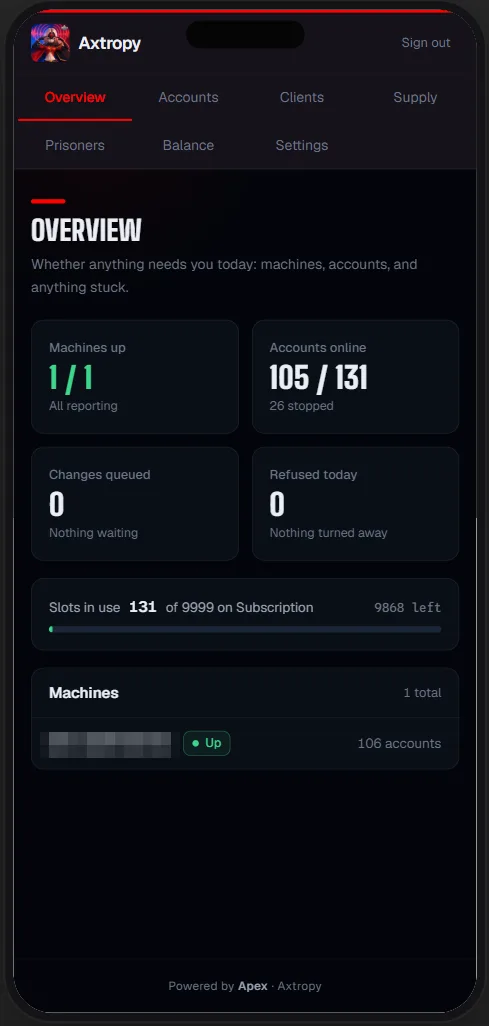
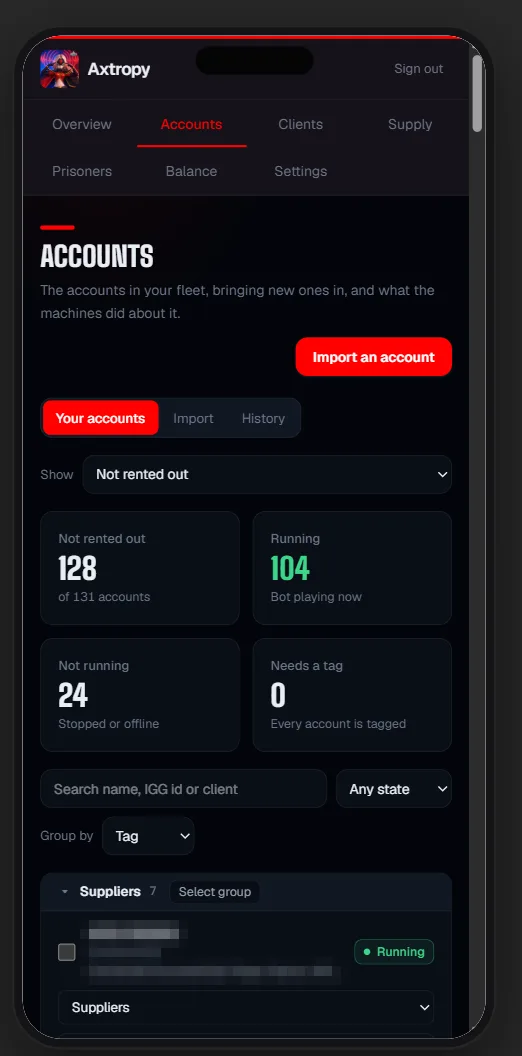
- Tag grouping across the whole fleet
- Per-account SOCKS proxy
- Start, stop and reload any account from the console
- Settings changes applied without restarting the account
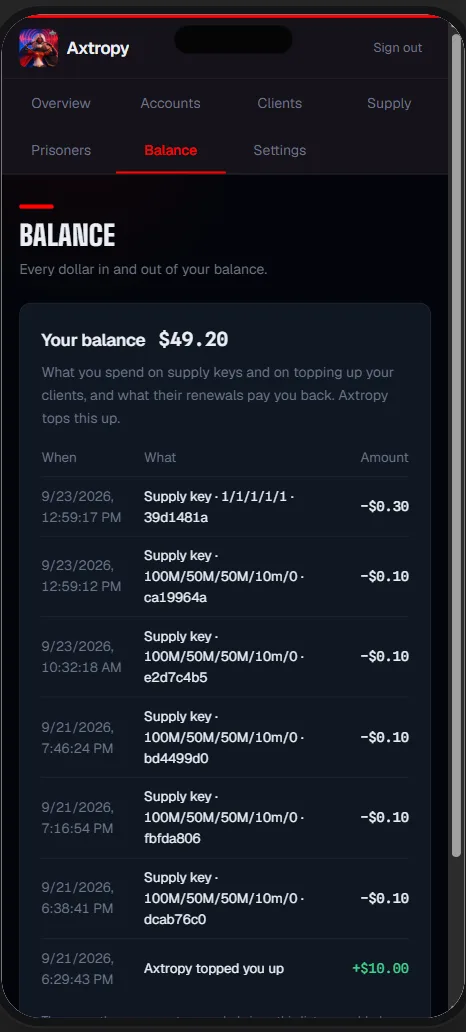
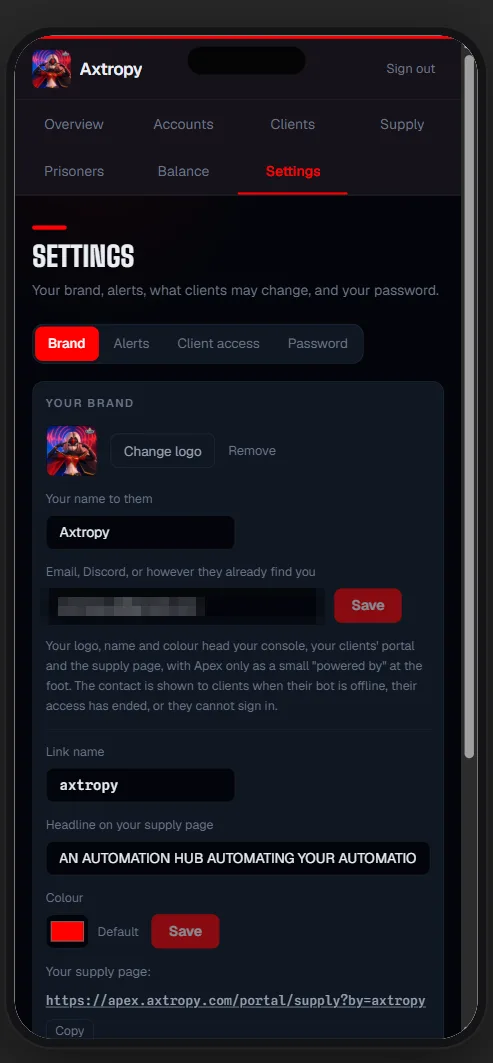
Every guild-chat command, with examples, is on the Lords Mobile bot commands list.
By job
Features, grouped by what you need the bot for
Each page lists what Apex does for that one job, the commands behind it and the price per account.
Lords Mobile rein bot
Rein bot and rally bot are one plan. Apex keeps your reinforcements where your guild needs them: players, forts and wonders, with the exact troops you chose, on our servers around the clock.
Lords Mobile bank bot
One plan for banks and farms. Banks that gather, grow, store and send on their own, and answer your fighters when the infirmary bills arrive.
Lords Mobile bot hosting
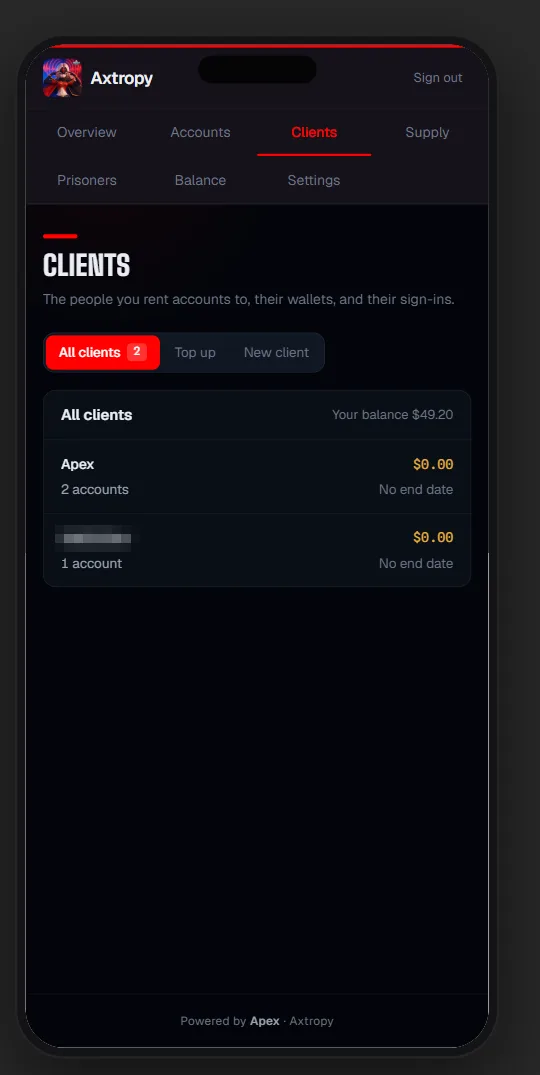
Your accounts run on our servers around the clock. You get a portal; we keep the machines running.
Lords Mobile proxy
Most players looking for a Lords Mobile proxy want one thing: to run several accounts without them all sitting on one connection. Apex handles that on our servers, so you never buy, renew or configure a proxy yourself.
Lords Mobile iphone, android & pc
Apex runs on our servers, not on your device. That means it works the same on an iPhone, an Android phone, a tablet or a PC: open your portal in the browser and manage every account from there.
Lords Mobile bot cost
The sticker price is only part of it. Here is what a Lords Mobile bot costs per account, and what you pay on top when you run one yourself.
Lords Mobile war bot
Rally, reinforce and defend on every fighting account at once, 24/7, steered from guild chat or your phone.
Lords Mobile tracker bot
We're building our own Lords Mobile tracker, Vecna. It isn't out yet, and we won't promise features before they ship.
Lords Mobile multi-account bot
Farms, banks and fighters in one place, grouped your way, all changeable live.
Stop watching your bots. Start running a fleet.
Hosted on our servers, from $1 an account. Try it free for three days on up to three accounts, no card needed.